
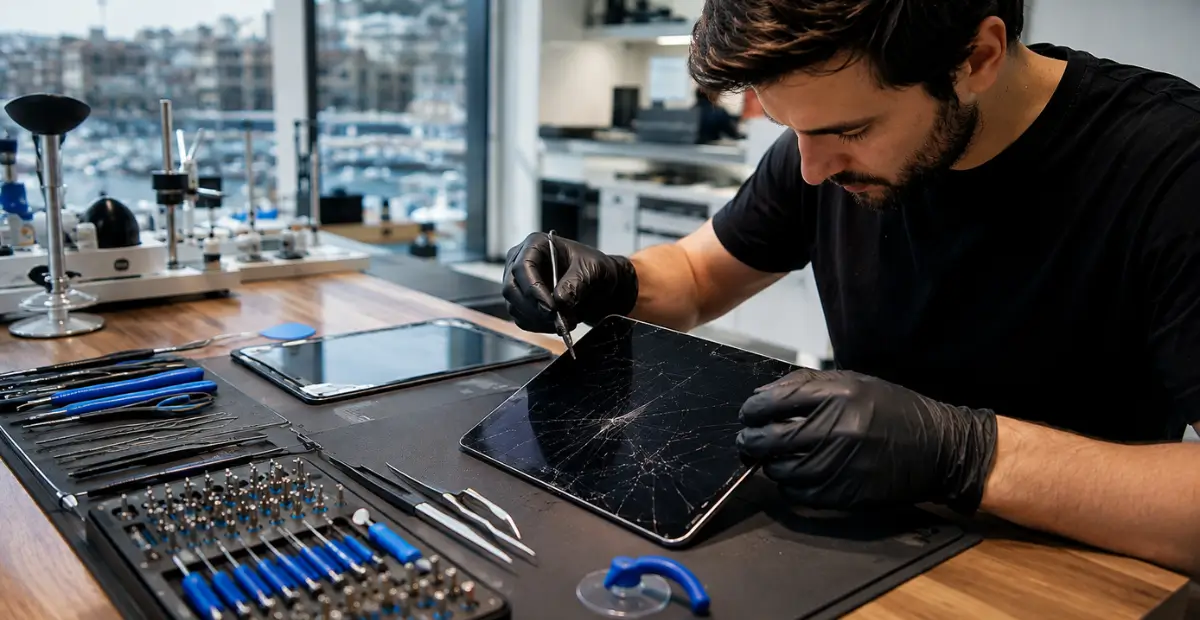
If your iPad screen is cracked or your device won’t turn on, don’t panic. Most of the time, it’s fixable. The fix depends entirely on the cause: a cracked screen usually means the glass or digitizer needs replacing, while a black screen often points to a battery, charging, or software problem. This guide walks you through diagnosing the issue, understanding repair costs in Malta, and choosing the right repair option, whether you’re an individual or running a business that depends on iPads every day.
What’s Actually Wrong With Your iPad? Quick Diagnostic Checklist
Here’s the thing: not every broken iPad has the same problem. Before you spend a cent, you need to know what you’re actually dealing with.
A cracked iPad screen is a physical, visible issue. A device that won’t turn on could be software, hardware, or power related. Mixing these up is the most common mistake people make, and it often leads to paying for the wrong repair.
Cracked Glass vs. Broken Digitizer — How to Tell the Difference
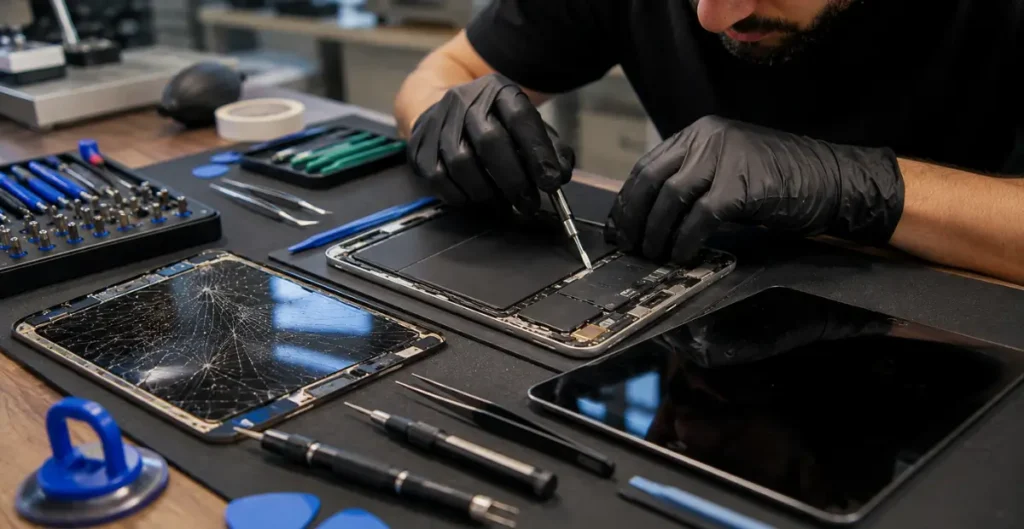
If the glass is shattered but touch still responds normally, it’s likely just the outer glass. That’s the cheaper fix.
If touch doesn’t respond, or you see flickering lines, discoloration, or dead spots, the digitizer or LCD panel underneath is damaged too. That usually means a full screen assembly replacement, not just glass.
iPad Won’t Turn On: Is It the Battery, Screen, or Software?
Most people miss this: an iPad that “won’t turn on” often isn’t dead. It might just be stuck.
Try this first:
- Plug the iPad into power and wait 15 minutes.
- Hold the Top button and Volume Down button together until the Apple logo appears (force restart).
- If nothing happens, connect it to a computer and check if Finder or iTunes detects it.
If none of that works, it’s likely a battery, charging port, or logic board fault, not the screen.
Black Screen But Device Still Makes Sounds/Vibrates
This is a classic sign of a backlight or display failure, not a dead device. The iPad is powered on internally (you’ll hear notification sounds or feel haptic buzzes) but the screen itself isn’t showing anything. This almost always needs a display replacement, not a battery swap.
iPad Stuck on the Apple Logo — Force Restart & DFU Mode Steps
If your iPad boot-loops on the Apple logo, try a force restart first (steps above). If it keeps looping, you may need DFU (Device Firmware Update) mode, which fully resets the software layer without touching your data on the chip itself. This is a technician-level step for most business owners, so don’t attempt it under time pressure with a work device.
Before You Repair — Critical First Steps
Let me explain why this section matters more than people think: skipping backup is the single biggest regret we hear from customers after a hardware repair.
Back Up Your Data via iCloud or Finder/iTunes
Any repair involving the logic board, battery, or internal components carries a small risk of data loss. Before dropping off your iPad:
- Back up through iCloud (Settings > your name > iCloud Backup).
- Or connect to a Mac/PC and back up via Finder (or iTunes on older systems).
This takes ten minutes and can save you weeks of lost business data.
What to Do If Your iPad Has Water Damage
- Power it off immediately. Don’t try to charge it.
- Remove any case and wipe the exterior dry.
- Do not use rice, ovens, or hairdryers, these don’t actually draw out internal moisture and can cause more damage.
- Get it to a repair technician as soon as possible. Corrosion sets in fast once a device is powered on while wet.
Should You Try a DIY Screen Fix? Risks Explained
DIY screen kits are tempting, especially for a business owner trying to save money. But here’s the catch: cheap kits often damage the digitizer cable, puncture the battery, or destroy the water resistance seal. For a personal device, that’s a risk. For a business device holding client data or POS software, it’s not worth it.
Where to Get an iPad Repaired in Malta
Apple Authorised Service Provider (AASP) in Malta — What It Means
An Apple Authorised Service Provider (AASP) is a business certified directly by Apple to carry out repairs using genuine parts, following Apple’s repair standards. iCentre currently holds this status in Malta, meaning repairs done there follow Apple’s official guidelines and don’t affect your Apple warranty status.
Independent/Third-Party Repairers vs. Apple: Pros, Cons, Warranty Impact
Independent repairers are usually faster and cheaper. That’s the appeal. But there are trade-offs:
- Apple/AASP repairs: Genuine parts, warranty-safe, slightly higher cost, sometimes slower turnaround.
- Independent repairers: Often same-day service, competitive pricing, but parts quality varies and it may affect your remaining Apple warranty for that specific repair.
Neither option is automatically “better.” It depends on whether your iPad is still under Apple warranty and how urgently you need it back.
Finding Same-Day or Express Repair Near You
If you’re in Valletta, Sliema, St. Julian’s, Birkirkara, Mosta, or Gozo, most repairers can quote you within the hour and often complete screen replacements same-day, assuming parts are in stock for your specific iPad model.
iPad Repair Costs in Malta (2026 Price Guide)
Quick answer: Out-of-warranty screen repairs in Malta typically range from around €80 to €300+, depending on the iPad model and whether the work is done by an Apple Authorised Service Provider or an independent shop.
Screen/Digitizer Replacement Cost by Model
- iPad mini: Generally the lowest cost due to smaller screen size.
- iPad / iPad Air: Mid-range pricing, most common repair type.
- iPad Pro: Highest cost, due to Liquid Retina/mini-LED displays and tighter tolerances.
Battery, Charging Port & Logic Board Repair Costs
Battery replacements are usually cheaper than screen repairs. Charging port and logic board repairs vary the most, since they depend on how much internal damage there is, sometimes requiring diagnostic time before a final quote.
In-Warranty vs. Out-of-Warranty Pricing
Does iPad repair void the warranty? Not automatically. If Apple or an AASP performs the repair, your warranty stays intact. If the fault is a manufacturing defect and you’re still within Apple’s warranty period, the repair is typically free. Accidental damage, like a cracked screen from a drop, is not covered by standard warranty and is billed as an out-of-warranty repair.
Warranty, AppleCare & Your Consumer Rights in Malta
Does Repairing Your iPad Void the Warranty?
Repairs done through Apple or an AASP don’t void your warranty. Using unauthorised repairers or non-genuine parts for an in-warranty fault can affect coverage for that specific issue, though it doesn’t cancel your separate legal consumer rights.
Your Legal Guarantee Rights Under Maltese/EU Consumer Law (MCCAA)
Here’s an important distinction people often get wrong: Maltese and EU consumer law gives you a two-year legal guarantee on goods, covering manufacturing defects or non-conformity. This does not cover accidental damage like a cracked screen from a drop, that’s considered misuse, not a defect, and is a paid repair.
When to Escalate: MCCAA and ECC Malta Complaint Process
If a seller won’t honour a genuine manufacturing fault, you can file a complaint with the Malta Competition and Consumer Affairs Authority (MCCAA). For cross-border EU purchases, the European Consumer Centre Malta (ECC Malta) can also help mediate.
iPad Repair for Businesses in Malta
Managing Repairs for POS and Fleet Devices
Businesses running iPads as POS terminals or ordering tablets can’t afford long downtime. A retail client we spoke with in Malta had three POS iPads go down in one week during a busy season, and the delay in getting replacements cost them more than the repair itself.
Data Security and Recovery for Business iPads
Business iPads often hold customer data, payment records, or proprietary apps. Always confirm a repairer’s data handling policy before handing over a device, and back up beforehand whenever possible.
Minimizing Downtime: Loaner Devices & Priority Turnaround
Some repairers offer loaner devices or priority queues for business accounts. If you manage multiple iPads, it’s worth asking about this upfront rather than during an emergency.
Which iPad Model Do You Have? Repair Notes by Generation
iPad Pro (Repair Considerations)
Higher-spec displays and Face ID components mean iPad Pro repairs need more precision and typically cost more.
iPad Air & Standard iPad
The most common repair type in Malta, parts availability is generally good and turnaround is fast.
iPad mini
Smaller form factor means slightly more delicate internal assembly during screen swaps, but costs are usually lower.
Older/Legacy iPad Models — Parts Availability
For discontinued models, genuine parts can be harder to source. Expect longer wait times or a recommendation to consider replacement if repair costs approach the device’s resale value.
FAQ
How do I know if my iPad screen or the digitizer is broken? If touch still works despite cracked glass, it’s likely just the glass. If touch fails or the display shows lines, the digitizer is affected too.
Why won’t my iPad turn on even after charging? Usually a drained battery, faulty charging port, software crash, or logic board fault. Try a force restart before assuming the worst.
Does getting my iPad repaired void the Apple warranty? Not if done by Apple or an AASP. Unauthorised repairs on in-warranty faults can affect coverage for that issue.
How much does iPad screen repair cost in Malta? Roughly €80 to €300+, depending on the model and whether it’s Apple, an AASP, or an independent repairer.
What are my consumer rights if my iPad breaks in Malta? A two-year legal guarantee covers manufacturing defects, not accidental damage. MCCAA can help if a genuine defect isn’t honoured.
Should I back up my iPad before repair? Yes, always. Hardware repairs carry a small data loss risk, so back up via iCloud or Finder first.
Conclusion
Whether your iPad screen is cracked or the device simply won’t turn on, the right first step is always diagnosis before repair. Once you know whether it’s the digitizer, battery, or software at fault, you can choose confidently between an Apple Authorised Service Provider and an independent repairer in Malta, based on cost, warranty status, and how fast you need it back. If you’re a business owner managing multiple devices, plan ahead with backups and a trusted repair contact so one cracked screen never turns into a full day of lost operations. Ready to get your iPad diagnosed properly? Reach out to a certified repair provider in Malta today and get a clear, honest quote before you commit to anything.