
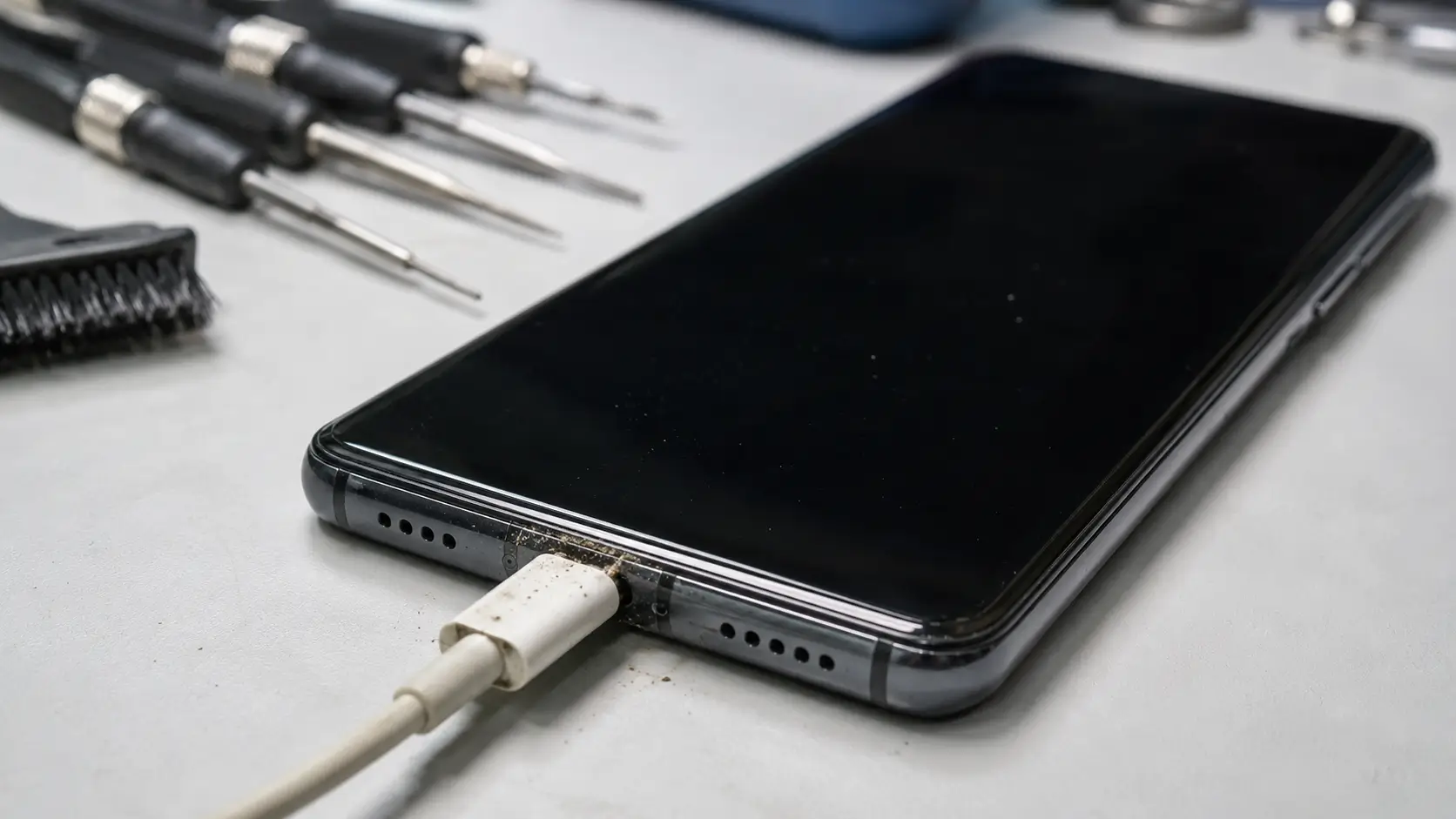
If your Huawei phone won’t charge, don’t panic yet. Nine times out of ten, it’s not the phone itself. It’s a dirty port, a worn-out cable, or a battery that’s simply tired. This guide from PulpTech Malta walks you through the real causes and the fixes that actually work, before you spend money on a repair you might not even need.
Why Is My Huawei Phone Not Charging? (Common Causes)
Here’s the thing. A phone that won’t charge is almost always one of five problems. Rarely is it the whole motherboard.
Charging port issues top the list. Pocket lint, dust, and tiny debris build up inside the USB-C port over months. Eventually the pins can’t make proper contact with your cable.
Cables and adapters wear out faster than people realize. The wire inside a USB-C cable can fray from bending, even if the outer plastic looks fine.
Then there’s the battery itself. Every lithium-ion battery degrades with each charge cycle. After a couple of years, it simply holds less power and charges less reliably.
Sometimes it’s a software glitch. A firmware bug can stop your phone from recognizing that it’s plugged in, even when everything else is working fine.
And occasionally, it’s moisture damage. Even a small splash near the charging port can cause corrosion that blocks the connection over time.
Most people jump straight to “my phone is broken” when really it’s one small, fixable issue.
How to Fix a Huawei Phone That Won’t Charge (Step-by-Step)
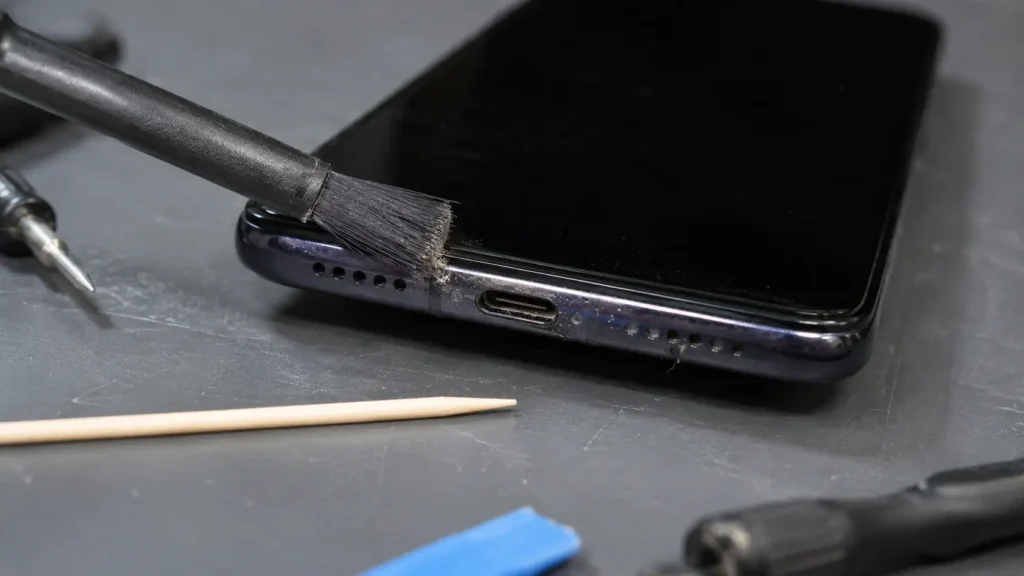
Before you book a repair, try these steps in order. Most Huawei charging problems get solved right here.
- Inspect and clean the charging port. Power the phone off first. Use a soft, dry anti-static brush or a wooden toothpick to gently clear out lint or dust. Never use metal objects or liquid.
- Try a different cable and adapter. Borrow a friend’s original Huawei charger if you can. This single step solves more charging problems than anything else on this list.
- Restart or force restart the device. A simple reboot clears temporary software hiccups that block charging recognition.
- Check for software updates. Go to Settings and update your firmware. Huawei regularly patches battery and charging bugs.
- Test wireless charging, if your model supports it. If wireless works but wired doesn’t, that points straight to the port or cable.
- Check battery health in Settings. Under Battery settings, you can see usage stats that hint at how worn the battery actually is.
If you’ve tried all six and nothing changes, the issue is likely hardware, and that’s when it’s time to see a professional.
Huawei Phone Charging Slowly? Here’s Why
Slow charging is a different headache from no charging at all, but the causes overlap.
SuperCharge not activating is the most common culprit. Huawei’s fast-charging system needs an original Huawei charger and cable to hit full speed. Use a third-party charger, and you’ll often get standard slow charging instead.
Background apps are the sneaky second cause. If GPS, video streaming, or heavy games run while you’re charging, your phone is fighting itself. Power goes in and out almost at the same rate.
Then there’s the big question people ask us constantly: is it safe to use a non-original Huawei charger?
Short answer: it’s usually fine for basic charging, but it won’t give you fast-charge speeds, and cheap uncertified chargers can deliver inconsistent voltage. Over time, that inconsistency can stress the battery. Stick to original or properly certified USB-PD chargers whenever you can.
Most people miss this: charging speed issues rarely mean your phone is failing. They usually mean your accessories aren’t matched to your phone’s charging protocol.
Model-Specific Charging Issues
Not every Huawei model behaves the same way when charging goes wrong.
Huawei P Series (P30, P40, P50) Charging Problems
The P series relies heavily on SuperCharge technology. Charging port wear is the most reported issue here, especially on older P30 units that have seen a few years of daily use.
Huawei Mate Series Charging Issues
The Mate series phones, built with larger batteries, tend to show battery degradation symptoms first, like slower charging as the phone ages rather than sudden charging failure.
Huawei Nova Series Charging Issues
Nova series devices are more budget-focused, and charging port durability can be the weaker link. Owners often report loose port connections after a year or two of regular use.
Knowing your model helps you (and your technician) diagnose the issue faster instead of guessing.
When to See a Professional (DIY Won’t Fix It)
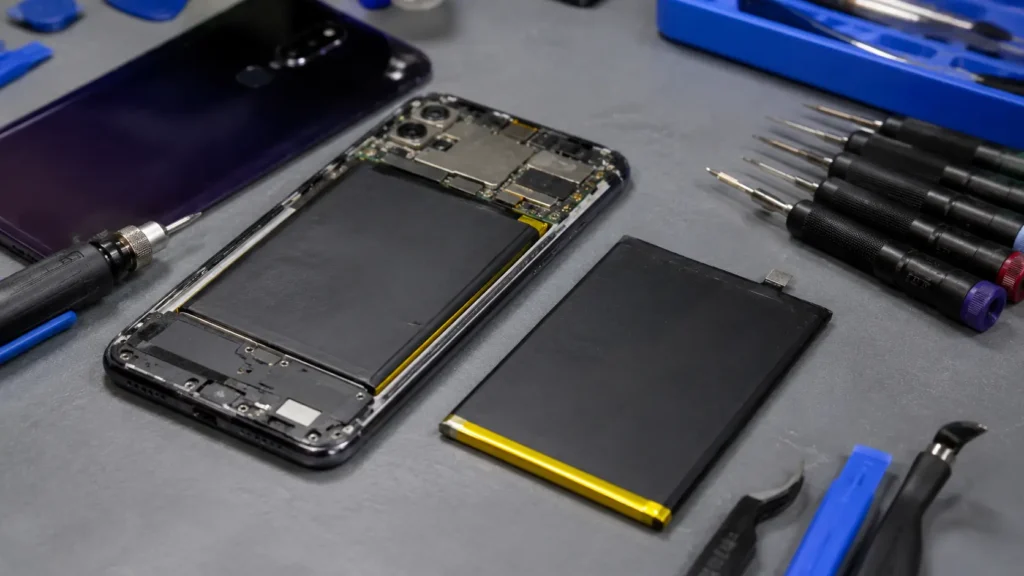
Some problems just aren’t fixable at home, and that’s okay. Here’s how to tell the difference.
Signs Your Battery Needs Replacement, Not Just a Charge
Watch for rapid battery drain, the phone shutting off well above 0%, a swollen back panel, or charging that randomly stops mid-session. These point to a battery that’s worn out, not a charging glitch.
Signs the Charging Port Needs Professional Repair
If the cable feels loose in the port, if you have to angle the cable just right to get a connection, or if cleaning didn’t help at all, the port itself likely needs replacing.
Should You Repair or Replace an Old Huawei Battery?
If your phone is otherwise in good shape and under two to three years old, a battery replacement is almost always cheaper and smarter than buying a new device. It’s a straightforward repair that extends your phone’s life significantly.
Huawei Phone Repair in Malta with PulpTech
If DIY fixes didn’t solve it, that’s exactly where PulpTech Malta comes in.
Charging Port & Battery Repair Services
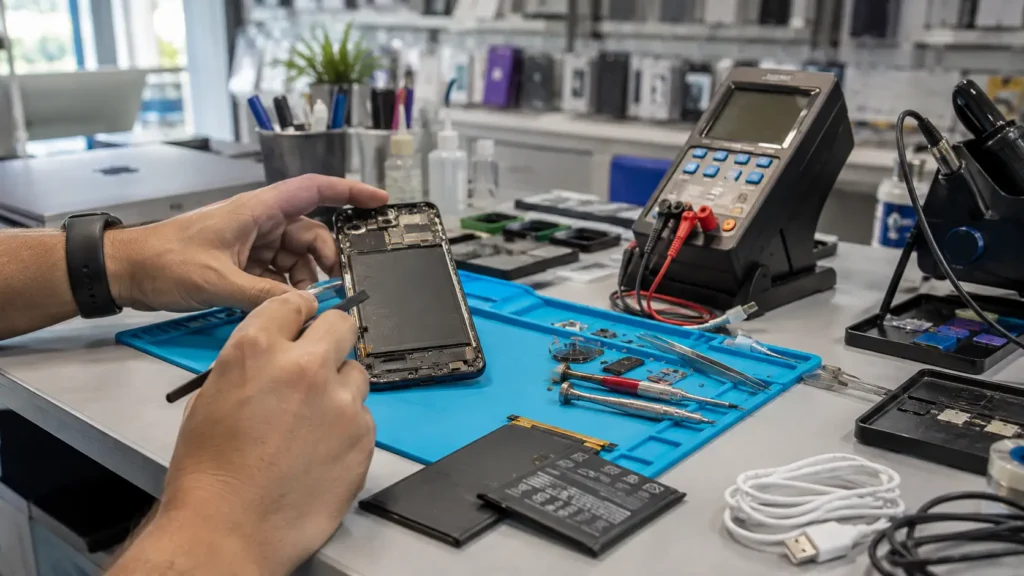
PulpTech Malta handles charging port repair and battery replacement for Huawei devices across the P series, Mate series, and Nova series. Their technicians diagnose the actual cause before replacing anything, so you’re not paying for parts you don’t need.
Same-Day Repair at Our Gzira Location
Based in Gzira, PulpTech has been repairing phones since 2011. Most charging-related repairs, including port cleaning and battery swaps, are completed within the same day.
Serving All Malta Cities (Valletta, Sliema, Birkirkara, Mosta & More)
Whether you’re in Valletta, Sliema, Birkirkara, Mosta, St. Julian’s, or anywhere else in Malta, PulpTech’s Gzira location is accessible and set up to handle walk-ins and drop-offs.
Book a Repair — Contact PulpTech Malta
Call PulpTech Malta directly at +356 7748 0727 or visit their location at No. 70/71, Triq Sir Frederick C. Ponsonby, Gzira. You can also check current services at pulptechmalta.com.
FAQ Section
Q1: Why is my Huawei phone not charging even though it’s plugged in?
Usually it’s a dirty port, faulty cable, or degraded battery. Test with a different cable first before assuming the phone itself is broken.
Q2: How do I clean a Huawei phone’s charging port safely?
Power off the phone, then use a dry anti-static brush or wooden toothpick to remove debris. Never use metal or liquid.
Q3: Can a bad charging cable stop my Huawei phone from charging?
Yes. Worn or damaged USB-C cables are one of the most common causes of charging failure, even when the outer casing looks fine.
Q4: Why is my Huawei phone charging slowly instead of fast charging?
SuperCharge needs an original Huawei charger to activate. Third-party chargers or background apps running during charging both slow things down.
Q5: Is it safe to use a non-original charger on a Huawei phone?
It’s generally safe for basic charging, but you’ll lose fast-charge speed, and cheap uncertified chargers can stress the battery over time.
Q6: How do I know if my Huawei battery needs replacing?
Look for fast battery drain, random shutdowns above 0%, swelling, or charging that stops unexpectedly. These signal a worn battery, not a simple glitch.
Q7: Where can I get my Huawei phone’s charging port repaired in Malta?
PulpTech Malta, located in Gzira, repairs Huawei charging ports and batteries, serving customers across all Malta cities.
Conclusion
A Huawei phone won’t charge for plenty of reasons, but most of them are simple to fix once you know what to look for. Start with the basics: clean the port, swap the cable, check your battery health. If none of that works, a proper Huawei phone repair Malta service will save you both time and money compared to replacing the whole device.
Ready to get it sorted? Contact PulpTech Malta at +356 7748 0727 or head to their Gzira location for a same-day diagnosis.