
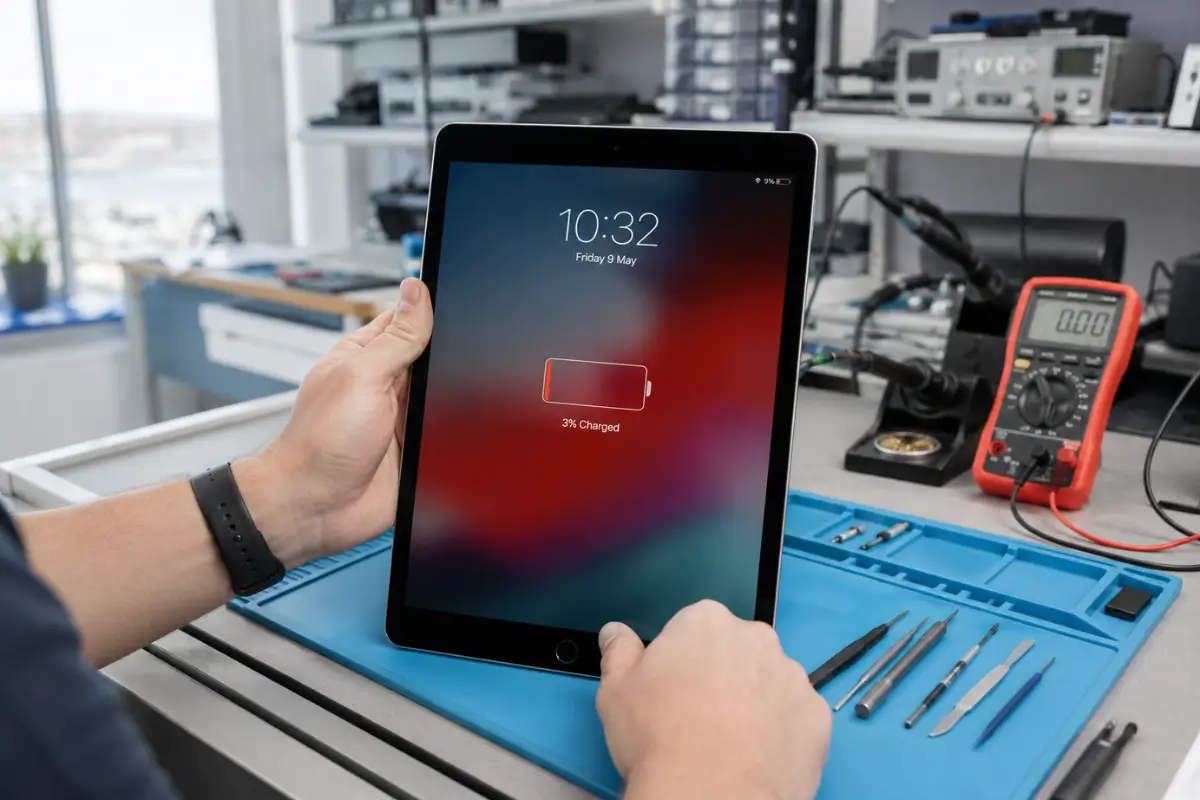
If your iPad battery draining fast, you’re not imagining it. Most of the time it comes down to software settings, an aging battery, or both. PulpTech in Gżira, Malta diagnoses the exact cause and handles professional iPad battery replacement when the battery itself has worn out.
Why Is My iPad Battery Dying So Fast?
Here’s the direct answer: an iPad battery drains fast because of three main things. Battery degradation from age and charge cycles, background processes eating power without you noticing, and display settings that are set higher than they need to be.
Most people miss this part. Every lithium-ion battery, including the one in your iPad, loses capacity over time. Apple designs these batteries to retain about 80% of their original capacity after roughly 1,000 full charge cycles. Once you’re below that mark, you’ll feel it in daily use.
Aging Battery and Charge Cycles
A charge cycle counts every time you use 100% of your battery, even if it’s spread across a few days. Older iPads that have been charged daily for two or three years have likely crossed that 1,000-cycle mark already. That’s usually when battery health drops and drain gets noticeable.
Background App Refresh and Push Notifications
Apps quietly refresh content in the background so they’re ready when you open them. Social media apps, email, and news apps are the biggest culprits. Push notifications also wake your iPad’s screen and processor more often than people realize.
Screen Brightness and Display Settings
The display is the single biggest power draw on any iPad. Auto-brightness helps, but many people still keep brightness higher than needed indoors.
Location Services Running Constantly
Apps that track your location in the background, like weather or maps apps, keep the GPS chip active. This adds up over a full day.
Outdated iPadOS Software Bugs
Occasionally, a specific iPadOS version has a known battery bug. If your iPad battery draining fast started right after an update, this is worth checking before anything else.
How to Check Your iPad’s Battery Health
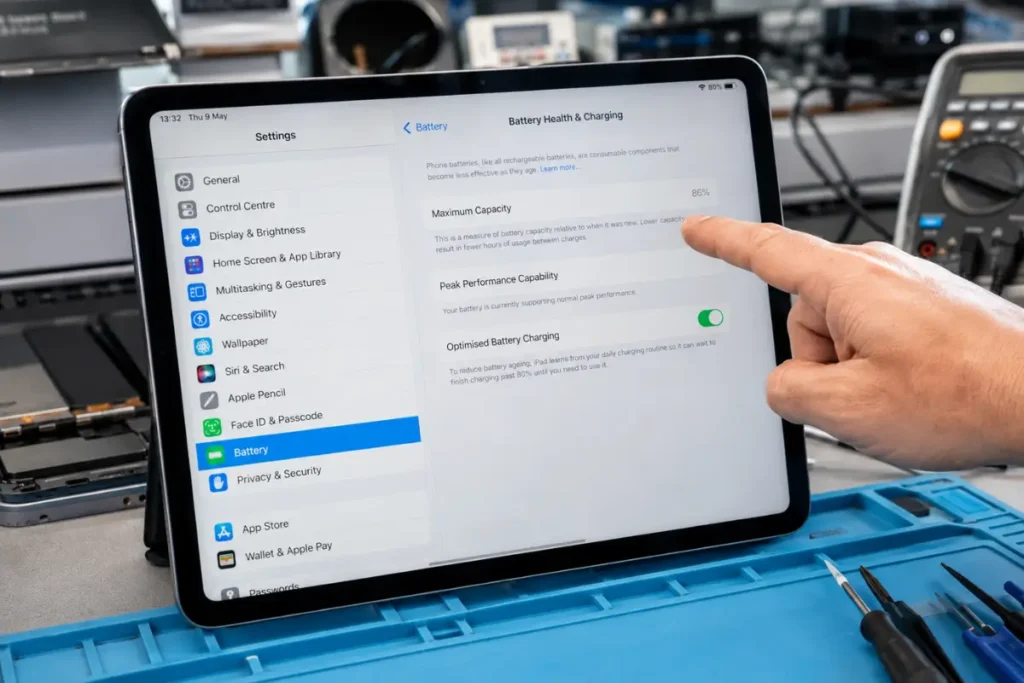
Checking battery health takes less than a minute, and it tells you almost everything you need to know.
- Open Settings
- Tap Battery
- Tap Battery Health & Charging
- Look at the Maximum Capacity percentage
What the Battery Health Percentage Actually Means
This number compares your battery’s current capacity to when it was brand new. A fresh iPad battery starts at 100%. Apple considers anything above 80% to be within normal range for daily use.
When a Low Battery Health Percentage Means You Need a Replacement
Once maximum capacity drops below 80%, you’ll likely notice shorter screen time, faster drain during video calls, and your iPad struggling to last a full day. This is the point where a battery replacement usually makes more sense than tweaking settings.
How to Fix iPad Battery Draining Fast (DIY Fixes You Can Try First)
Before booking a repair, it’s worth trying these steps. They’re free, they take minutes, and they solve the problem for a lot of people.
- Enable Low Power Mode: Go to Settings > Battery and turn it on. It reduces background activity and visual effects immediately.
- Turn off Background App Refresh: Settings > General > Background App Refresh. Turn it off entirely, or just for apps you rarely use.
- Reduce screen brightness and auto-lock time: Lower brightness manually and shorten auto-lock to 30 seconds or 1 minute.
- Update to the latest iPadOS: Settings > General > Software Update. Apple regularly patches battery bugs.
- Restart or reset settings: A simple restart clears stuck background processes that quietly drain power.
If you’ve tried all five and your iPad battery is still draining fast, the issue is almost certainly hardware, not software.
When DIY Fixes Don’t Work: Signs You Need a Battery Replacement
Battery Health Below 80%
This is the clearest signal. Software fixes can’t restore a battery’s chemical capacity.
iPad Shuts Down Randomly at 20%+ Charge
If your iPad powers off even though the battery indicator shows charge left, the battery can no longer deliver steady voltage. This is a hardware fault.
Battery Swelling (Safety Warning)
If the screen looks slightly lifted or the back case bulges, stop using the iPad immediately. A swollen battery is a genuine safety risk and needs professional handling, not a DIY fix.
iPad Gets Hot While Charging or Idle
Excess heat with no heavy app use is often a sign the battery is failing and working harder than it should.
iPad Battery Replacement in Malta: How PulpTech Fixes It
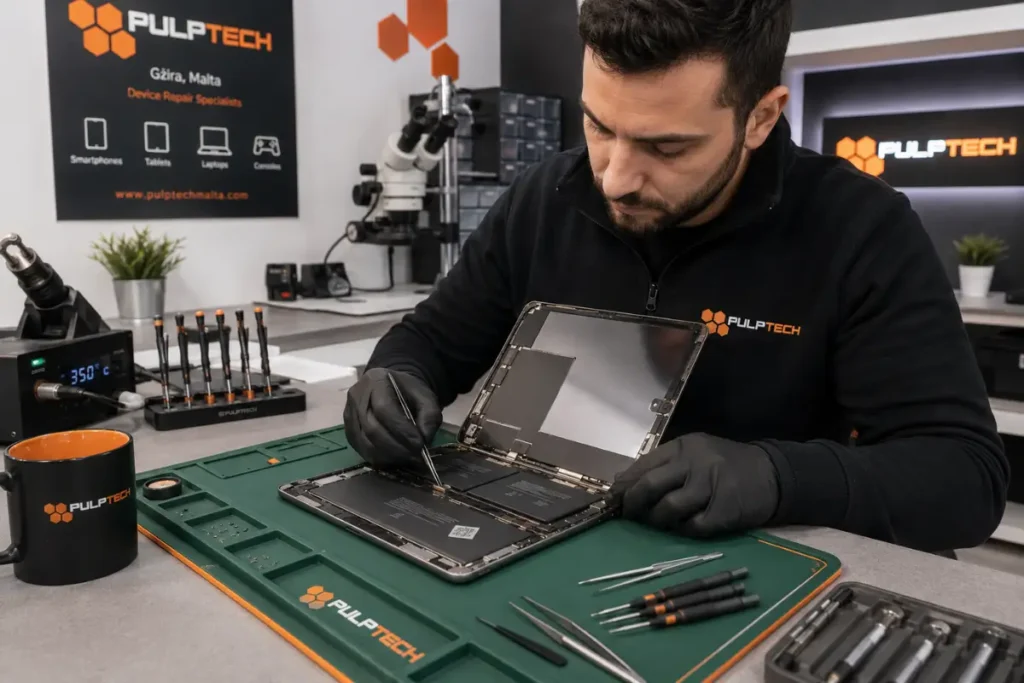
This is where PulpTech comes in. Based in Gżira, Malta, PulpTech has been repairing phones, tablets, and laptops since 2011, and iPad battery replacement is one of their most requested services.
PulpTech’s Diagnostic Process
Before replacing anything, PulpTech’s technicians run a full diagnostic on your iPad. This confirms whether the battery is actually the problem, rather than a software issue or a different hardware fault. That matters, because you shouldn’t pay for a battery replacement if the real issue is something else.
iPad Models PulpTech Repairs
PulpTech works on a wide range of Apple devices, including iPad Pro, iPad Air, and iPad Mini models. If your iPad Pro battery is draining fast, or your iPad Air or iPad Mini battery is struggling to last the day, their technicians can assess the specific model and recommend the right fix.
Turnaround Time and Warranty
Turnaround depends on the iPad model, since some generations are more complex to open than others. For exact turnaround and warranty details on your specific model, it’s best to contact PulpTech directly, since these can vary by device.
Why Choose a Local Gżira Repair Shop Over Shipping to Apple
Sending an iPad away for repair means waiting, plus shipping risk. A local repair shop in Gżira means you can drop off your device, get a straight answer, and avoid the wait that comes with mail-in service. For customers across Malta, including Sliema, St. Julian’s, and Valletta, that convenience matters.
iPad Battery Replacement vs Buying a New iPad: Which Is Worth It?
Cost Comparison
A battery replacement is almost always cheaper than a new iPad. A new iPad costs hundreds of euros, while a battery swap is a fraction of that.
When Replacement Makes Sense
If your iPad still runs iPadOS smoothly and handles your apps without lag, and only the battery has degraded, replacement is the practical choice. You get a device that feels new again for a lot less money.
When Buying New Makes Sense
If your iPad is several generations old and already struggling to run current apps or updates, a new battery won’t fix that. In that case, upgrading makes more sense long term.
Frequently Asked Questions
Why is my iPad battery draining so fast all of a sudden? A sudden drain is usually caused by a recent iPadOS update, a specific app misbehaving, or Background App Refresh running constantly. Check Settings > Battery to see which app is using the most power.
How do I check my iPad’s battery health? Go to Settings > Battery > Battery Health & Charging. This shows your maximum capacity as a percentage. Above 80% is considered healthy.
Does Low Power Mode work on iPad? Yes. It reduces background activity and visual effects to extend battery life, and you can turn it on anytime in Settings > Battery.
Can an iPad battery be replaced, or do I need a new iPad? Most iPad batteries can be replaced. If the rest of the iPad still performs well, replacement is usually far cheaper than buying new.
Is it safe to use an iPad with a swollen battery? No. Stop using it immediately and bring it in for professional replacement. Removing a swollen battery yourself is a safety risk.
Where can I get my iPad battery replaced in Malta? PulpTech, based in Gżira, offers iPad battery replacement for customers across Malta, including Sliema, St. Julian’s, and Valletta.
Conclusion
An iPad battery draining fast almost always comes down to either background settings or a battery that’s simply worn out. Try the free fixes first, check your battery health, and if the number is low, a professional iPad battery replacement is the fastest way to get your device back to full-day use. PulpTech in Gżira has been handling exactly this kind of repair since 2011, for iPad users across Malta. If your iPad battery is draining fast and the DIY fixes haven’t helped, reach out to PulpTech for a diagnostic and get a straight answer on what your iPad actually needs.